Play and organize personal music offline
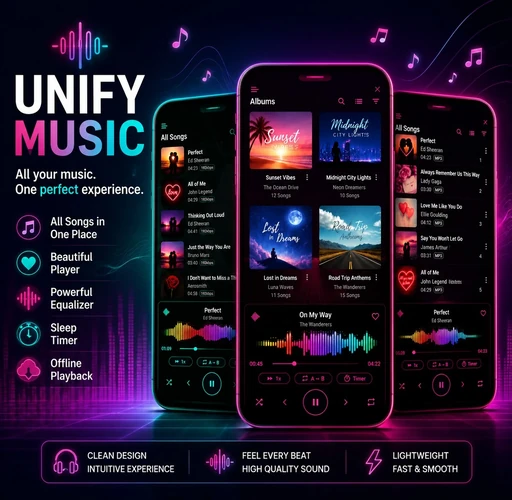
Scan music from phone storage or a supported SD card, browse folders, albums, artists and genres, create playlists and queues, read embedded or LRC lyrics, and continue listening without Wi-Fi or mobile data.
UNIFY Hi-Res Music Player Pro is an offline Android music player for audio files you own or control. Scan your phone or supported SD card, play MP3, FLAC, ALAC, WAV, OGG and AAC, organize playlists, read lyrics and tune sound with advanced EQ. Optional read-only connections let you play personal music from Google Drive, Dropbox, WebDAV and SMB/NAS. UNIFY does not provide a public streaming catalog or download music.
*Maximum format support depends on your Android device, audio path and connected output.


UNIFY is designed for people who already own or control their music files. It turns an Android phone or tablet into a private offline library, a Hi-Res player and a detailed sound-tuning workspace.
Scan music from phone storage or a supported SD card, browse folders, albums, artists and genres, create playlists and queues, read embedded or LRC lyrics, and continue listening without Wi-Fi or mobile data.
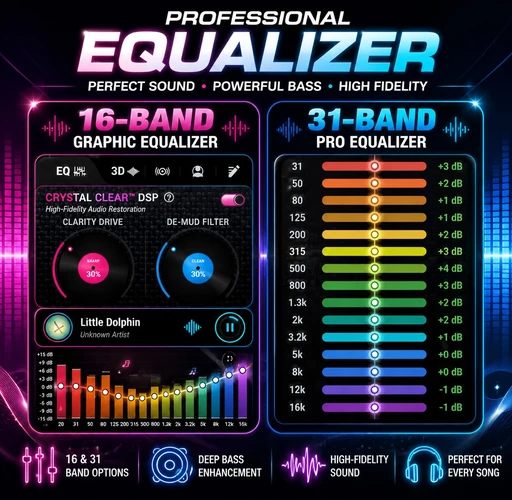
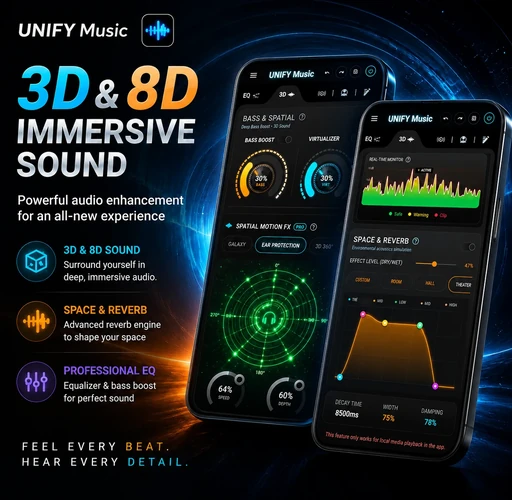
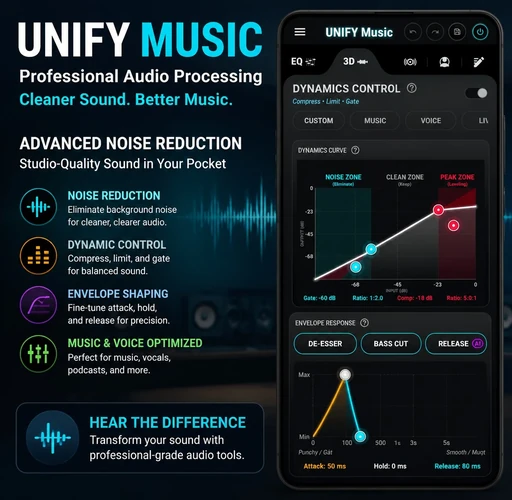
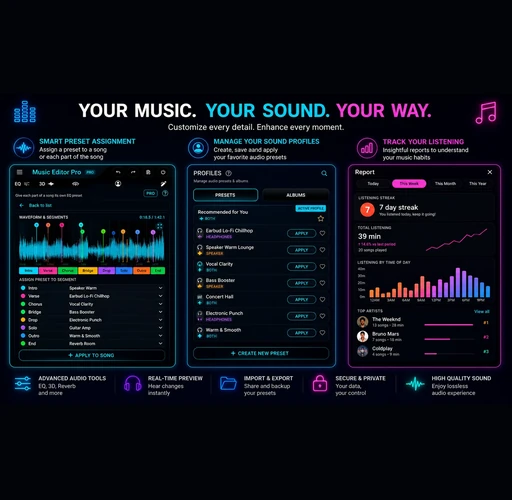
Use 16-band and 31-band graphic EQ, parametric EQ, bass enhancement, dynamics, reverb and immersive spatial effects. Save different profiles for songs, headphones, speakers and listening environments.
Google Drive connection is optional. When you connect it, UNIFY uses read-only access to browse a folder you select, build a music index, read metadata and embedded artwork, stream audio and keep playback cache on your Android device.
The app plays music already stored on your device or in a personal source you are authorized to access. It does not sell songs or provide a public streaming catalog.
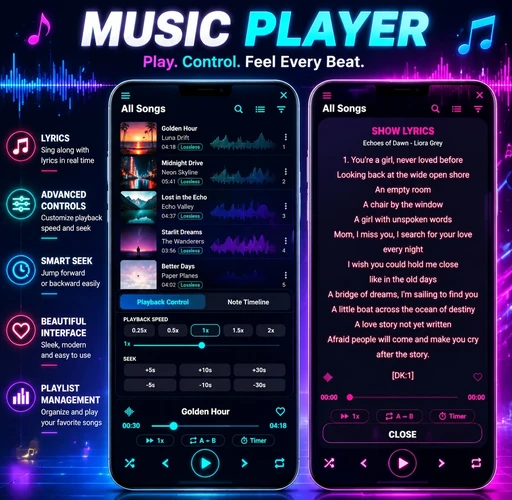
Scan your phone, open an album, read lyrics, edit a playlist or jump directly to a folder. UNIFY keeps a large personal library organized without forcing you into a streaming catalog.

UNIFY is not locked to one generic skin. Switch the player atmosphere while keeping the same library, queue, lyrics, album artwork and advanced playback workflow.
Choose a personal folder, let UNIFY build a temporary catalog, then browse device, cloud and private-server tracks together. Remote files stream directly to your Android device and can be cached for smoother playback.
Secure Google sign-in and read-only access for music you already store in Drive.
Connect with Dropbox authorization, select a folder and sync compatible audio.
Bring compatible personal servers and hosted storage into the music library.
Connect to a home NAS or Windows-compatible file share over your network.
Authorize a cloud account or enter private-server details.
Browse inside UNIFY and select the collection you want.
Discover supported songs, metadata and embedded artwork.
Adaptive buffering prepares playback and requested positions.
Completed songs can remain available within your cache policy.
The current song starts after an adaptive buffer, continues downloading sequentially in the background and reads only completed bytes. Cache limits, Wi-Fi-only or mobile-data prefetch, keep-after-disconnect and clear-cache controls remain in your hands.


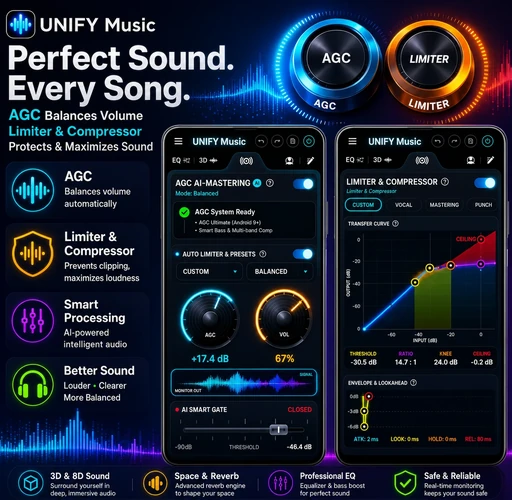
Move from broad tonal changes to detailed frequency correction, mastering and dynamics control without leaving the player.
Move beyond a basic stereo widener with 3D 360°, 10D 360°, 7.1 Surround, Dome 360°, 31D 360° and Pulse modes. Add Orbit, Spiral, Pendulum, Chaos, Magic 8, Heartbeat, Zigzag or Bounce motion, then shape speed, depth and ambience.

Every product image is optimized to 512 × 500 px for consistent, fast-loading presentation across desktop and mobile.


Move through live albums, DJ mixes, practice loops and long sessions without losing flow.
Append, shuffle, skip duplicates, replace the queue or filter selected songs by duration.
Create playlists, edit tags and lyrics, change album art and keep your own collection clean.
Stop music after a chosen interval or wake to a selected song at the right time.
Keep different sound profiles for speakers, headphones and listening environments.
Use notification, lock-screen, widget, wired headset and Bluetooth playback controls.
Clear answers about connected storage, progressive cache, player themes and immersive spatial audio.